🗂️
Three layouts
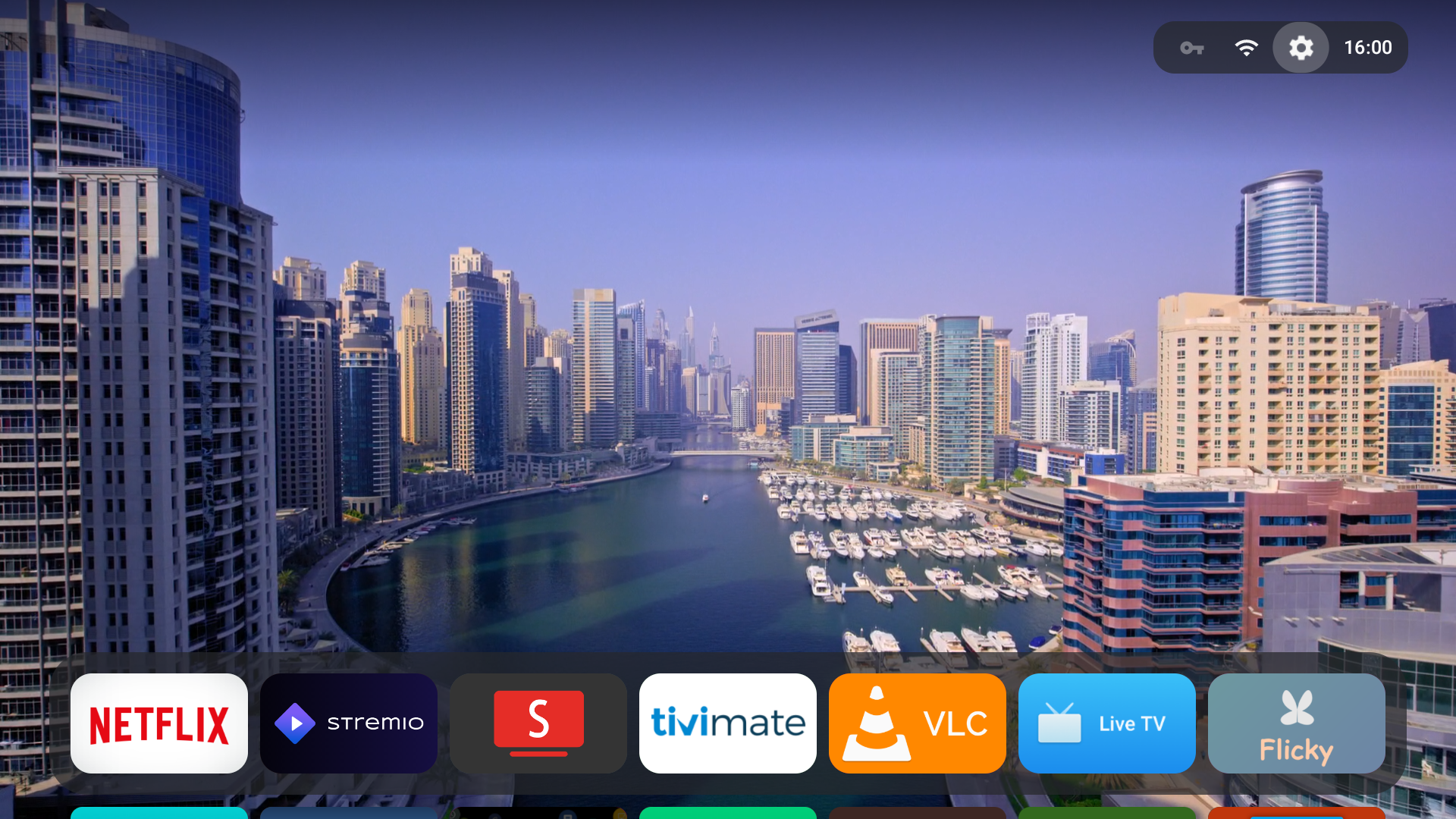
Carousel, Grid, or a floating glass Dock — press Down to expand the dock into the full grid.
A fast, private, one-screen launcher for Android TV & Google TV.
No ads. No tracking. No accounts. Just your apps.
Free & open source (GPLv3) · 18 languages · works on old boxes too
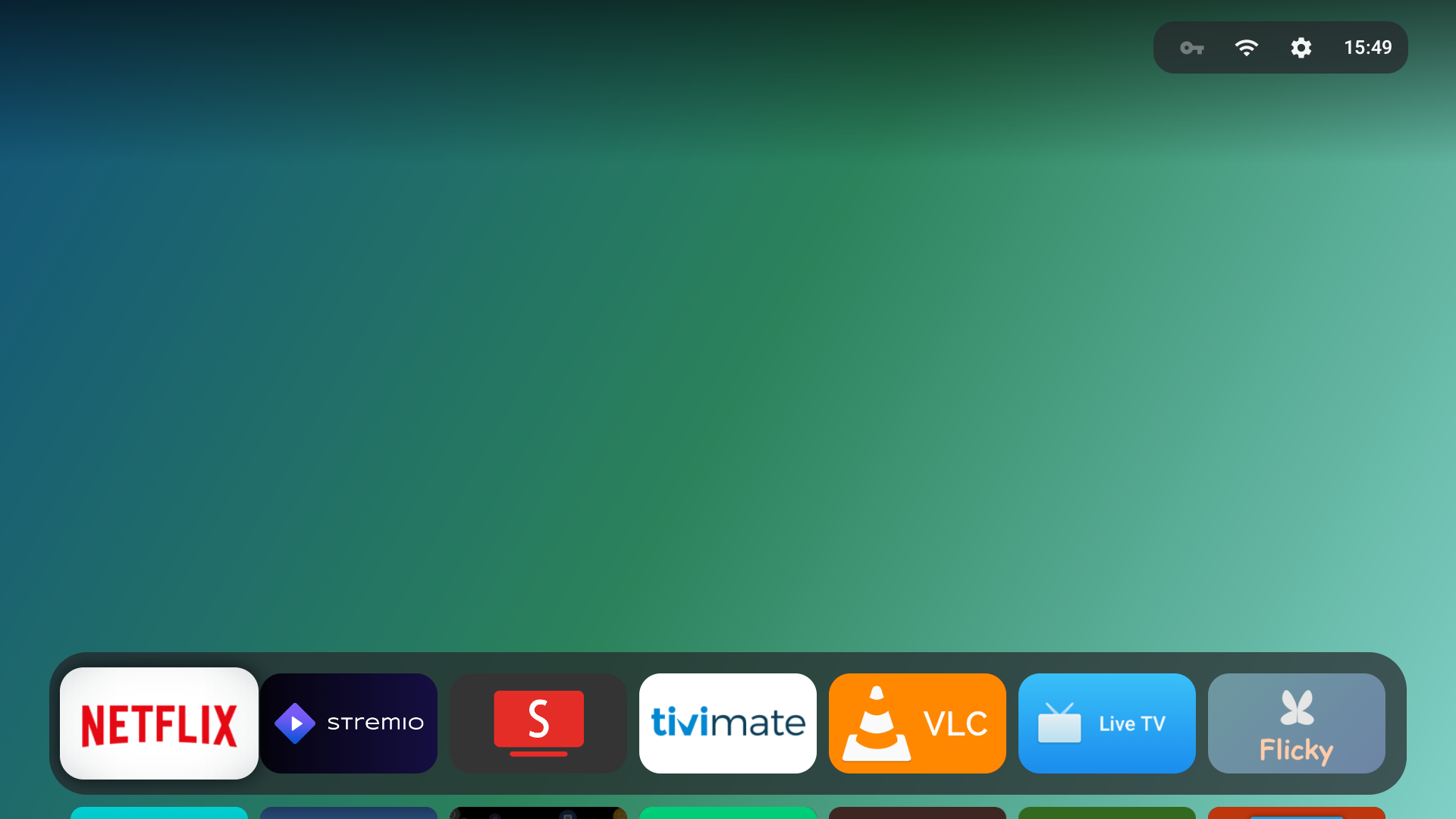
One screen, remote-driven, for 1080p and 4K TVs. No network requests out of the box — the wallpaper is a local gradient and every setting lives in a single file on the device.
Zero network traffic by defaultD-pad only. No touchscreen, no companion app, no Google Play Services required.
Carousel, Grid, or a floating glass Dock — press Down to expand the dock into the full grid.
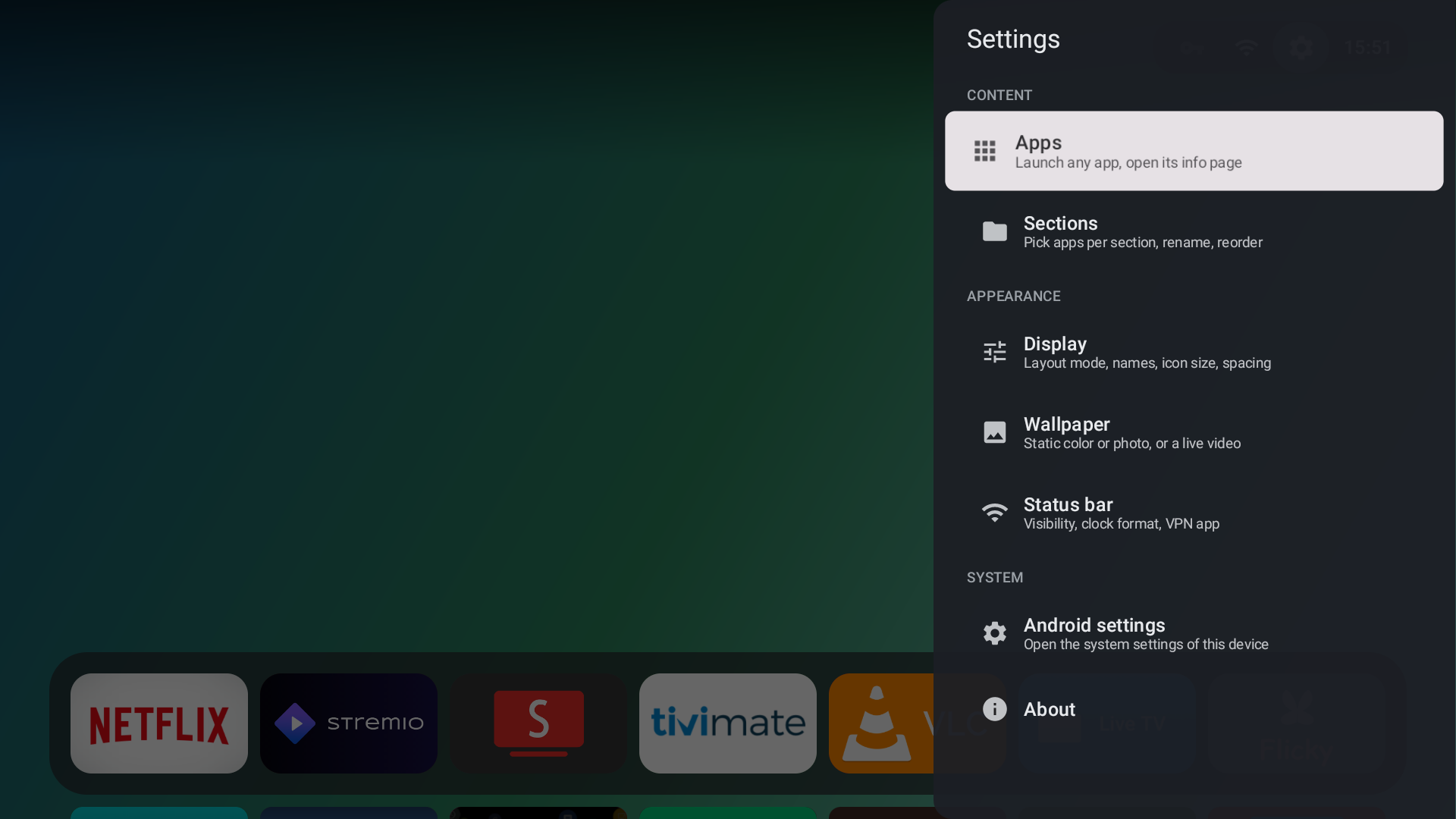
Rename, reorder and fill your own sections. An app can live in several; new installs land in the first.
An auto-filled Inputs section lists your HDMI / AV sources with CEC names like “PlayStation 5.” Select one to switch straight to it.
Gradients, your own photo, a looping video, or optional aerial videos — with speed control and cross-fades.
Export your whole setup — sections, layout, wallpaper and every setting — to a single JSON file.
Auto-selected from your system language, with a dedicated picker in settings. Adjustable size, spacing, roundness and dimming.
Straight from the couch. Click any shot to open it full-size.
Side-load the APK over ADB, then set it as your home launcher. The built-in wizard walks you through it.
F-Droid is the easiest route — install once and get updates automatically. Or grab the APK from GitHub, or scan the code on the right. One universal APK covers every box, old and new.
Get it on F-Droid ↗ Download APK ↗Settings → System → About → tap Android TV OS build 7 times, then turn on USB / Wireless debugging under Developer options.
The TV's IP is under Settings → Network.
adb connect <tv-ip>:5555
adb install -r couchy-launcher.apk
Press Home, pick Couchy, choose Always. On certified Google TV, set it once over ADB:
adb shell cmd package set-home-activity com.conreo.couchytv/.MainActivity
No computer? The wizard also offers a button-remap method. Full guide in CONTRIBUTING.md.
No ads, analytics, accounts or background services. Couchy asks for no location and no microphone. The only network use is optional aerial-video streaming — off until you turn it on. Your sections, ordering and wallpaper stay in one local file.
Couchy is open source. Come help shape it, ask for a hand, or just hang out on the couch.